Suppliers and subcontractors
Keep one shared list of suppliers and subcontractors with contacts, GSTIN, agreed rates and their order and payment history.
On this page
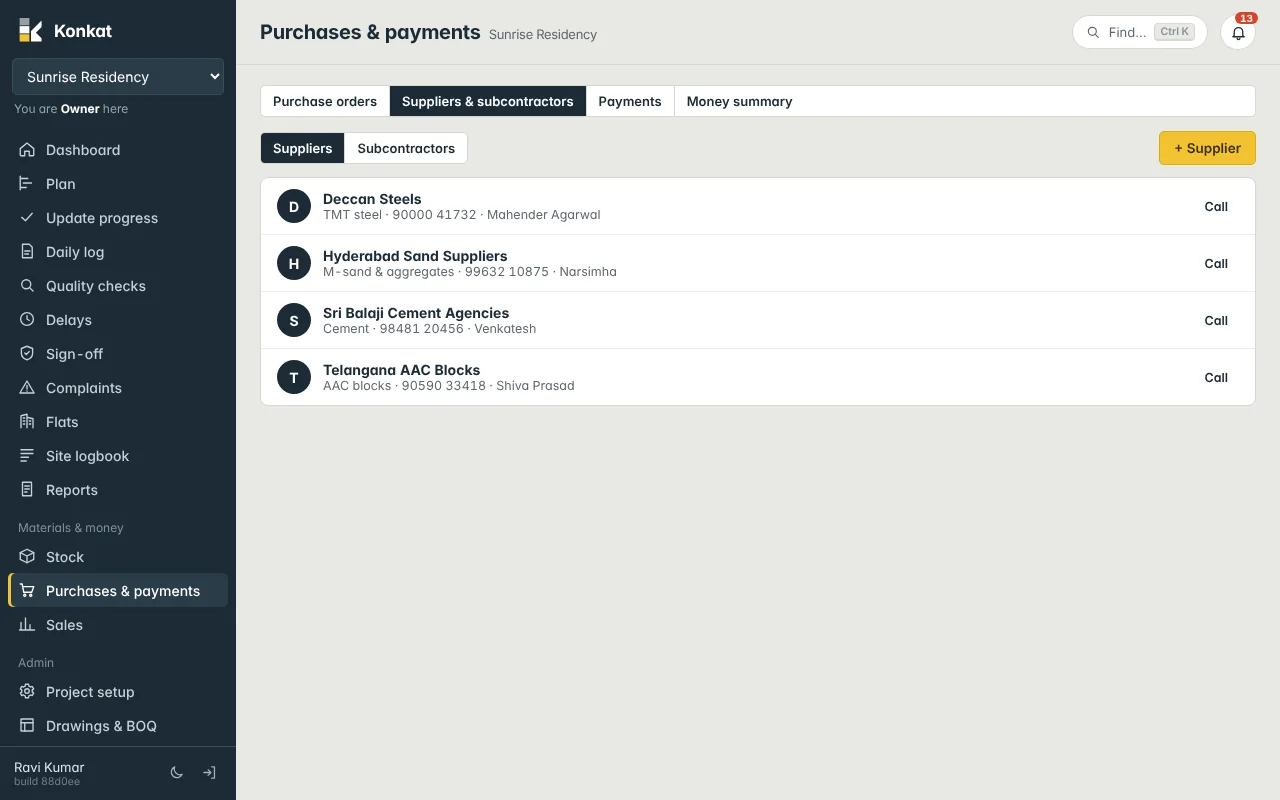
Suppliers (cement agencies, steel dealers, sand suppliers) and subcontractors (shuttering, plumbing, tiling, labour contractors) are kept in one list shared by all your projects. You find them under Purchases & payments (Purchases on a phone) → Suppliers & subcontractors.
Who can do what#
- See the list — people with Purchase orders or Payments & money on at least one project.
- Add and edit — people with Purchase orders (Owner and Admin by default).
- See amounts paid — people with Payments & money.
Customers are a third kind in the same list, but they are made from bookings and shown under Sales → Customers. See Bookings.
Add a supplier or subcontractor#
- Choose the list — press Suppliers or Subcontractors, then + Supplier / + Subcontractor.
- Name and type — e.g. “Sri Balaji Cement Agencies”, type Supplier.
- What they do — Supplies for a supplier (e.g. Cement, Steel) or Trade / work for a subcontractor (e.g. Shuttering, Plumbing, Tiling).
- Contact — Contact person, Phone, Email, Address.
- Tax details — GSTIN and PAN, so they are at hand when you check bills.
- Rates — press + Rate for each agreed price: work or item, unit and ₹. For example “Shuttering labour — per sqft — ₹32” or “Cement OPC 53 — per bag — ₹375”.
- Save.
You can also add a supplier while making a purchase order: choose + New supplier… in the Supplier box.
A supplier’s page#
Tap a name to see:
- type, trade, phone and GSTIN;
- Rates — the agreed prices as tags, e.g. “Shuttering labour: ₹32 / sqft”;
- Orders — their purchase orders on the projects you handle, with date, status and total;
- Paid in total — for people with money rights.
From here, Edit changes the details and New order starts a purchase order for them.
Subcontractors and labour#
Subcontractors can receive purchase orders too — they appear in the order’s supplier list. Most builders, though, pay subcontractors and labour contractors directly against running bills: record those in Payments with Paid to the subcontractor and a category such as Subcontract or Labour. Example: Mahesh Shuttering Works is paid ₹1,72,500 by bank transfer for the 1st floor slab — 5,390 sqft of shuttering — with category Subcontract.
Stop using one#
Edit them and tick Not used any more (hidden from lists). Their history stays.
This list lives only in Konkat. It is not the ERPNext Supplier list, and nothing here creates suppliers or ledgers in ERPNext. See Konkat and ERPNext.
Common questions#
Do agreed rates fill into purchase orders?#
No. Rates are a reference on the supplier’s page. Purchase orders start from each material’s usual rate — change the rate on the order. See Purchase orders.
A storekeeper can’t see the supplier list.#
The list needs Purchase orders or Payments & money. Stock-only roles can still receive deliveries on orders.