Frequently asked questions
Short answers to the questions builders, engineers, supervisors and accounts staff ask most often about Konkat.
Short answers to common questions, grouped by topic. Each answer links to the full article. Inside the app, Help (left menu, or More → Help) has a searchable summary of every screen too.
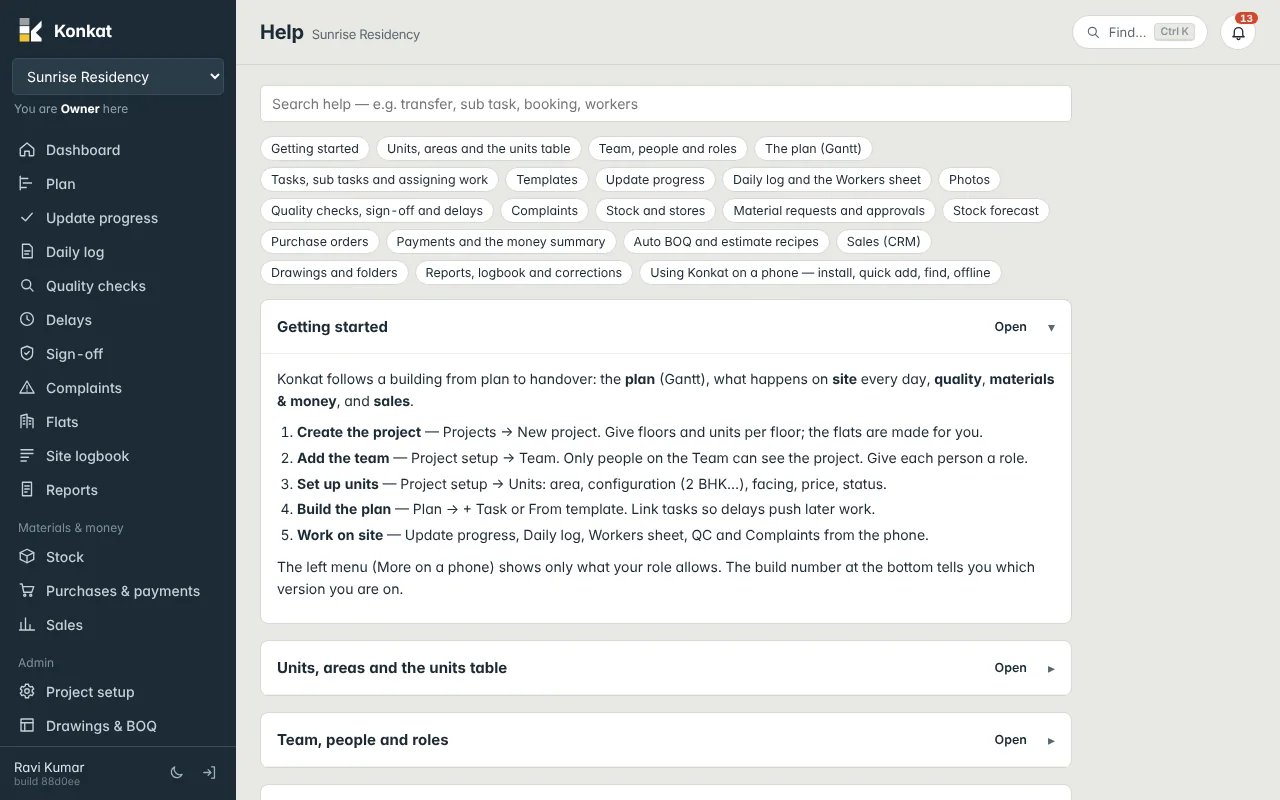
Getting started#
Do I need ERPNext to use Konkat?#
No. Konkat needs only Frappe v15. It can also run on a site that has ERPNext, without changing any ERPNext data. See Konkat and ERPNext.
Is there a mobile app?#
Konkat runs in the phone’s browser and can be installed on the home screen from More → Install Konkat on this phone (or Safari → Share → Add to Home Screen on iPhone). No Play Store download is needed. The address must be https://. See Install the app.
Why can’t my engineer see the project?#
Only people on the project’s Team can see it. Add them under Project setup → Team with a role. See Team and people.
How do I set up cellars, stilt and skip the 13th floor?#
When creating units, type floors like B1, 0-12, 14-20. B1 is the cellar, 0 is the stilt / ground floor, and floor 13 is left out. See Floors and units.
Can I start a new project from an old one?#
Yes. On the Projects screen an Owner or Admin account can click Copy. It copies the whole plan — tasks, links, durations, materials lists and rooms — shifted to the new start date. Progress, logs and photos are not copied. You can also reuse templates.
Planning#
If one task is late, do the later tasks move?#
Yes, if they are linked. Link tasks in the plan (Link mode, or “comes after” on the task form); a delay then pushes everything linked after it. See Links and dependencies.
Why does Konkat ask for a reason when I move a task?#
Once a project has started, every date change is recorded with a reason. Whether the reason is mandatory or optional is set in Project setup → Details. See Plan changes.
How do I plan a slab cycle for every floor quickly?#
Use a template (for example the column casting / slab cycle) and Use on the plan for the floors you choose. The steps are added as linked tasks. See Templates.
Site work#
What’s the difference between a snapshot and an end-of-day summary?#
A snapshot can be sent any time, as often as you like. The end-of-day summary is one per task per day. See Daily log.
The same masons worked on two tasks today. How do I record that?#
In the Workers sheet pick both tasks on that row. The people are counted once and their day is split between the tasks. See Workers sheet.
Why can’t I mark a task done without a photo?#
That task (usually from its template) requires a photo on completion. Some people also have “Must attach a photo to every log and QC entry” on their profile. Add a photo and save again.
I finished a task but it says “Awaiting sign-off”.#
The task has Needs sign-off ticked. It counts as finished once someone allowed to sign off approves it on the Sign-off screen. See Sign-off.
I made a mistake in yesterday’s log. Can I fix it?#
Only the project owner, or someone they allowed with Can correct logs, can correct earlier entries, with a reason that is kept on record. See Corrections.
Does Konkat work in the basement with no signal?#
Screens you opened before can still be read, but saving needs a connection. See Weak signal and offline.
Stock and purchase#
Does the material in a daily log reduce stock?#
Yes. Materials picked in a daily log’s material used are taken out of the project’s site store automatically.
Why does stock show below zero?#
Usage was recorded (usually from a daily log) before the delivery was entered. Record the receipt — Stock in, or Receive delivery on the purchase order. See Stock movements.
We buy sand in brass but use it in cum. Is that possible?#
Yes. Each material is counted in one unit and may be bought in another with a conversion, for example 1 Brass = 2.83 Cum. See Materials and units.
Can a supplier deliver an order in parts?#
Yes. Record each delivery with its challan number; the order shows Partly received until everything has arrived. See Receiving deliveries.
Does Konkat do my accounts or GST returns?#
No. Konkat records orders, deliveries and payments per project, but it does not post to any ledger. Keep your books in your accounting software. See Money summary.
Sales#
Can a customer instalment fall due when a slab is cast?#
Yes. Each payment schedule line can be due on a date or when a task on the plan is done. See Bookings.
How are customer payments matched to the schedule?#
Money received against a booking fills the schedule oldest line first. The booking shows received, balance and due now. See Customer payments.
Reports and admin#
How do I send a daily report to the owner?#
Reports → Daily site report → Open PDF, then share the PDF. Save the setup to run it in one tap each day. See Reports.
Which version am I on?#
The build number is at the bottom of the left menu (under your name) and at the bottom of the More sheet. When a new version is installed, a bar offers Reload. See Updating Konkat.
Can I use dark mode?#
Yes. The moon button at the bottom of the left menu, or at the top of the More sheet, switches between light and dark. It is remembered on that device.