Workers sheet
One sheet per day for the whole site: worker types, numbers and the tasks they worked on. Shared crews are counted once; a new day starts from the last sheet.
On this page
The Workers sheet records who was on site each day and what they worked on — one sheet for the whole project per day. It is the attendance record behind the Dashboard’s Workers on site, the task pages and the labour reports.
Open the Workers sheet#
- Daily log → Workers tab.
- Phone: + → Workers sheet, or the Workers sheet tile under More.
- Dashboard: the Workers on site tile, then Fill in today or Edit.
How the sheet works#
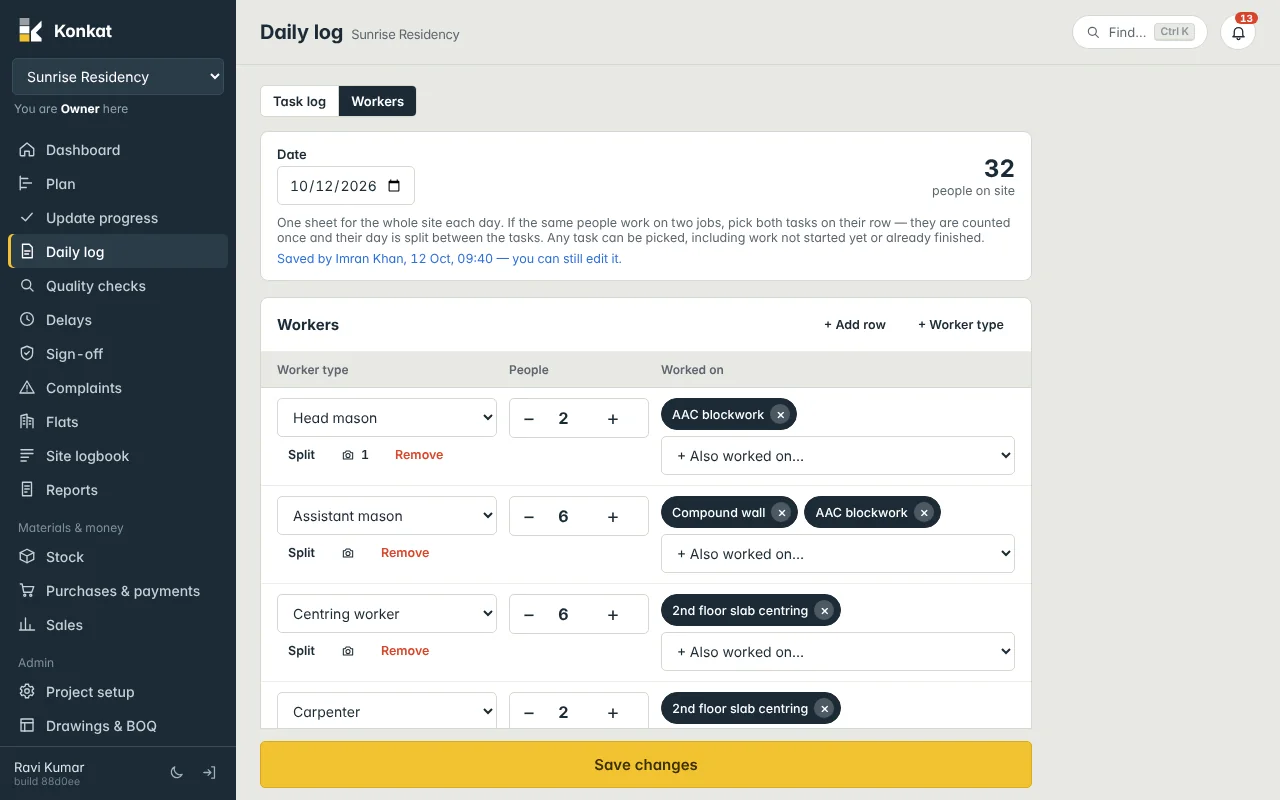
Each row is a group of people of one worker type: how many there were, and which tasks they worked on.
- If the same people worked on two tasks, pick both on their row. They are counted once, and their day is split evenly between the tasks.
- Any task can be picked — In progress, Not started yet, or Finished (finishing touches, rework).
- People not booked to a task are counted as general site work.
Fill in today’s sheet#
- Check the date — it opens on today. You can’t fill a future date.
- Look at the starting rows — a new day starts from the last sheet: the same people, without tasks that have finished. The note says Started from the sheet of 11 Oct — the same people, without tasks that have finished. Check the numbers, then save. On the very first day, there is one empty row per worker type.
- Adjust each row — pick the Worker type, set People with − and +, and choose tasks from Choose task / + Also worked on…. Tap × on a task chip to take it off.
- Add rows — + Add row (top or bottom) adds a blank row. Split adds another row of the same worker type, for when some masons were on blockwork and others on plastering.
- Add photos of a crew — tap the camera button on the row. A row with photos needs a number of people.
- Notes — e.g. 2 masons left at 2 pm; female wage workers on curing.
- Tap Save workers sheet — Konkat says Workers sheet saved — 32 people.
Rows with 0 people are not saved. Every row with people must have a worker type.
People per task#
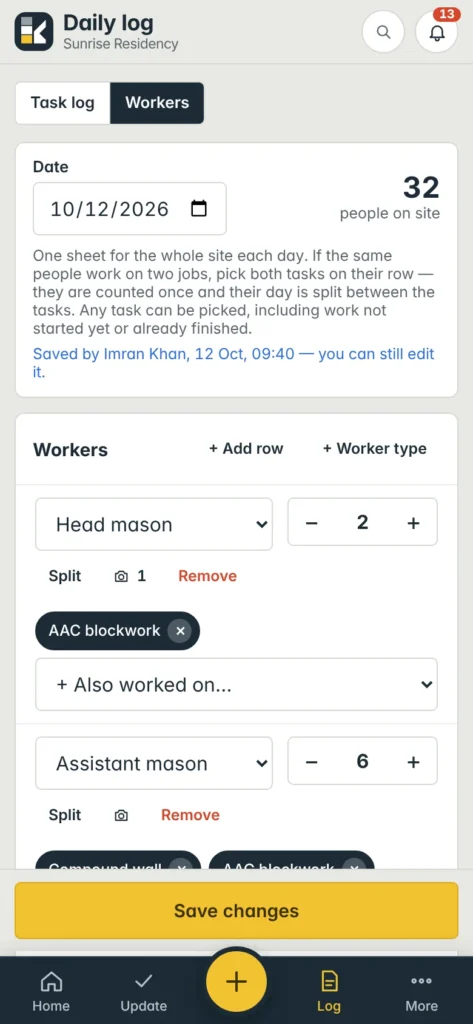
Under the rows, People per task shows the head count each task gets — shared rows split evenly (6 people on two tasks = 3 each) — and General site work for people not booked to a task. The big number at the top is people on site.
New worker types#
+ Worker type (for people who manage the project) adds a type and asks whether it is for This project only or All projects. The full list is edited under Project setup → Worker categories. See Project settings.
Changing a sheet#
- Today’s sheet — anyone who fills logs can change and save it again. The note says Saved by Imran Khan, 12 Oct, 09:40 — you can still edit it.
- An earlier day’s saved sheet — a correction. Only the project owner, or someone allowed to correct logs, can change it, with a Reason for the correction; for others the sheet is locked. Delete this day’s sheet is also for them only. A copy of what it said is kept.
See Corrections.
Workers sheet and task logs#
When a day has a workers sheet, it is the attendance record for that day. Task logs then show Workers on this task today from the sheet instead of their own crew counts, so nobody is counted twice. You can also book workers on one task from its task page with Assign workers — it writes into the same sheet. See The task page.
Fill the sheet in the morning after roll call, and adjust it in the evening if people moved between tasks. It takes a minute because yesterday’s rows are already there.
Common questions#
Does the workers sheet count days used on a task?#
No. Days used come from daily logs. The sheet records people and person-days for labour reports.
Someone booked workers on a finished task.#
That’s allowed on purpose — people often finish off or rework after a task is marked done.